Welcome. Let us get your site started.
The onboarding form for new GetCarAuctionSites clients. Fill in what you have, submit, and send anything missing later by email or from your client portal.
Four steps to a live site
Step 1
You pay the first monthly invoice
That starts the plan. The build fee is not charged yet.
Step 2
You fill in this form
It takes about 15 minutes. Anything you do not have yet can follow later.
Step 3
One onboarding call
We walk through your answers, fill the gaps, and agree the launch date.
Step 4
We build and launch
Live in 7 days on Run List. The build fee is invoiced only once you have approved the site.
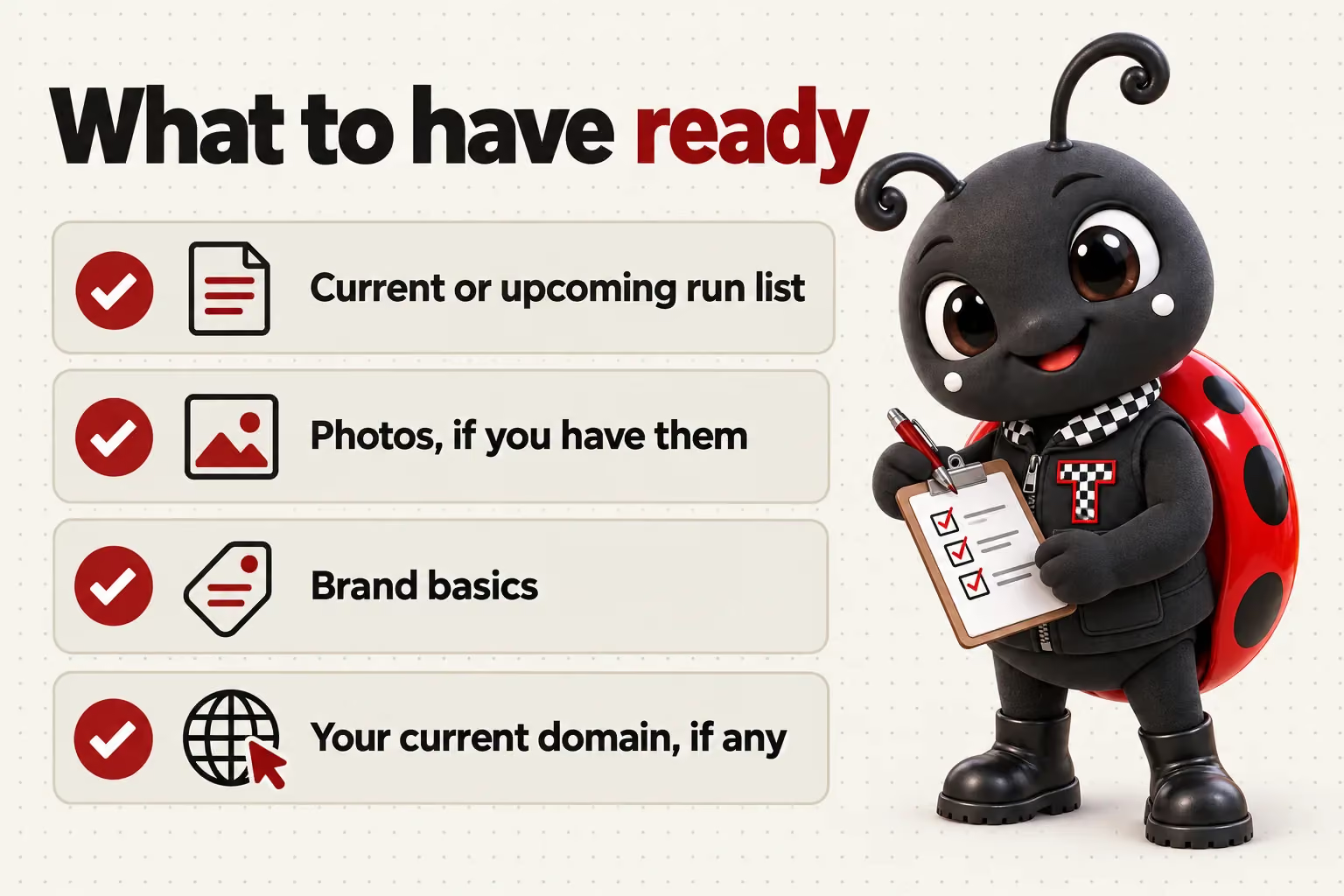
What is useful to have ready
Current or upcoming run list
Vehicles, run numbers and sale dates you already have set.
Photos, if you have them
Vehicle or lot photos; we can start with placeholders if not ready yet.
Brand basics
A logo and colors if you have them, or we set a simple system for you.
Your current domain, if any
So we can point it at the new site or plan a redirect from your old one.
After launch, everything runs through your client portal
You get an account the day the site goes live. From it you request revisions, raise a support ticket for anything that needs attention, send us files, and talk to the team directly. You get 5 revisions a month included, of any size, each completed within 2 to 5 working days. You never need to log in to the website itself.
Onboarding and domains
What happens on the onboarding call?
One call to walk through your lanes, sale formats, current run list and any existing branding, so we can plan the site structure before building starts. It typically runs under an hour.
Who provides the vehicle photos and condition notes?
You or your inspection team provide the photos and condition details, since that judgment has to come from someone who has looked at the vehicle. We build the layout, fields and page those details display on.
Do I get access to a portal after launch?
Yes. Every client gets a portal on the day the site goes live, used to request revisions, raise support tickets, send files and message the team, all from one place.
Is a domain included?
Yes, one domain is registered in your name for as long as your plan stays active, or we point an existing domain you already own at no extra charge.
What happens to the domain if I cancel?
A domain registered in your name stays yours; you retain control of it after cancellation. If we pointed an existing domain you owned, nothing changes on your end.